Completei o curso: CSIRT in a Box: Capacitação Inicial de Equipas de Resposta a Incidentes

Estou feliz por reportar que acabei de completar o curso CSIRT in a Box: Capacitação Inicial de Equipas de Resposta a Incidentes

CSIRT = Computer Security Incident Response Team

Programa do Curso

Módulo 1 – O meu CSIRT
Módulo 2 – Resposta a Incidentes
Módulo 3 – Coordenação e Colaboração
Módulo 4 – Ferramentas
Módulo 5 – Treino
Módulo 6 – Auditoria e Análise Forense

Certificado

Eu completei a minha formação inicial na Microsoft!

Estou bastante satisfeito por ter completado a minha formação inicial na Microsoft, após ter começado a trabalhar na empresa há um mês.

A formação foi relativa ao Microsoft Defender for Endpoint (MDE), e totalizou cerca de 70 horas!

Isto significa que em breve receberei casos reais de clientes!

Desejem-me sorte!

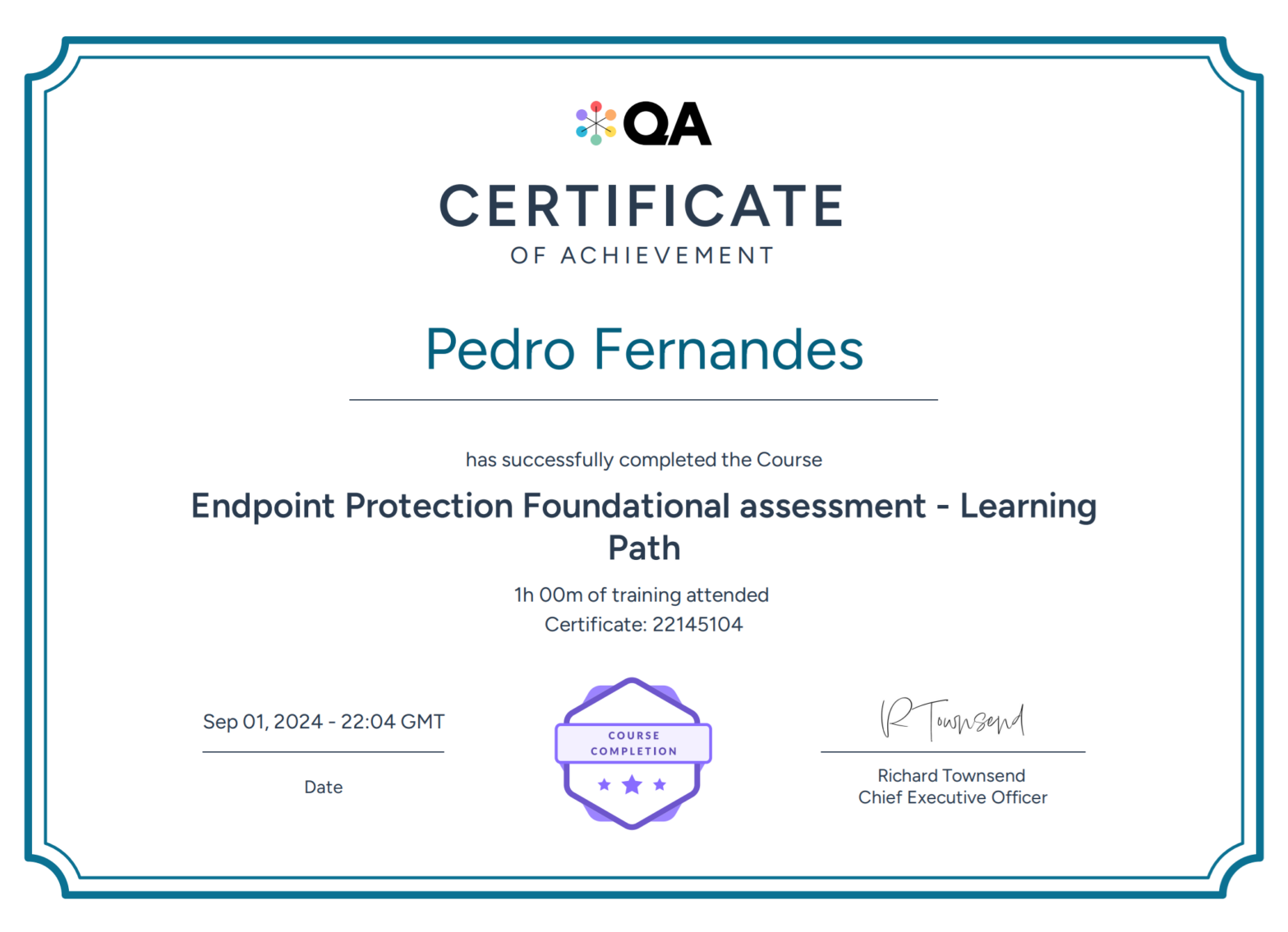
Certificado do teste de uma hora que acabei de passar.

O programa do curso é o seguinte:

MDE – Foundational Training – General Link do certificado

  • Foundational Training – Getting started
  • Internal Tools and Customer Communication
  • Initial Scoping

MDE Lab Creation Link do certificado

  • Create Your Azure Labs
  • Local Virtual Machines
  • Creating local VM’s – Hyper-V

Basic Portal overviews / General cross platform features Link do certificado

  • M365 Converged Portal
  • MDE – Threat and Vulnerability Management (TVM)
  • MDE Alerting
  • MDE – Tagging and Grouping
  • Defender Antivirus – Network Protection
  • MDE – Microsoft Threat Experts
  • MDE – Response Actions
  • MDE – Indicators
  • Microsoft Defender Endpoint licensing requirements & offering plans
  • Defender for Cloud Integration, Onboarding and Offboarding
  • Action Center
  • Device inventory and Timeline
  • Basic Connectivity Information
  • Defender AV (Compatibility with 3rd party AV)
  • Malware Submissions WDSI
  • Microsoft Defender for Office Integration
  • Live Response
  • Intune Integration
  • Advanced Hunting
  • Region Reset
  • Azure Permissions + MDE RBAC
  • Suppression Rules
  • Tenant Attach
  • Device Discovery
  • Contain Device
  • EDR Network Device Discovery
  • Device Health and Compliance Report
  • False Positives
  • MDE – Troubleshooting Mode

Windows – MDE Foundational Link do certificado

  • Microsoft Defender Antivirus
  • Microsoft Defender Antivirus
  • Antimalware Extension (IAAS)
  • MDE – Run Client Analyzer
  • MDE – Machine Isolation
  • MDE – Offboarding Machines
  • MDE – Client Analyzer II
  • MDE – Onboarding Machines
  • MDE – Indicators
  • Defender Antivirus – Exploit Protection
  • SCCM / SCEM Enrolment, Onboarding and Offboarding
  • Defender AV Updates
  • Defender AV – Log Collection
  • MDE – API Offboarding
  • Modern Unified Solution for 2012R2 / 2016
  • System Center Endpoint Protection logs
  • Troubleshooting SmartScreen
  • MDE – Web Content Filtering (WCF)
  • MSRT – Microsoft Safety Removal Tool
  • Defender Antivirus – Attack Surface Reduction (ASR)
  • Potentially Unwanted Applications (PUA)
  • MDE Security Configuration Management
  • Safety Scanner
  • Foundational – Controlled Folder Access (CFA)
  • MDE Troubleshooting Device Control for Windows
  • Troubleshooting Device Control for Windows
  • Automated Investigation and Response (AIR)
  • Host Firewall Reporting
  • Device Groups and Tags
  • EDR in Block Mode
  • Azure ARC (windows)
  • On / Offboarding with Group Policy

MDE Log Collection Methods Link do certificado

  • MDE Client Analyzer Logs
  • Defender Log Collection
  • ASR Log Collection
  • Linux and macOS Log Collection
  • Android and iOS Log Collection

Linux – MDE Foundational Link do certificado

  • MDE – Linux onboarding
  • MDE – Client Analyzer for Linux Servers / macOS
  • Configuring AV Exclusions on Linux
  • TVM on Linux
  • Running AV Scans on Linux
  • Cloud Protection – Linux
  • Managing Updates
  • Configuring AuditD Exclusions on Linux
  • Licensing – Linux
  • Configuring Network Protection on Linux
  • Deploying Defender for Linux

Mac – MDE Foundational Link do certificado

  • Internal Mac Test Machines
  • MDE – macOS Onboarding

Android / iOS – MDE Foundational Link do certificado

  • MDE for Android – Hands on lab
  • MDE for iOS – Hands on lab
  • Android / iOS Network Protection
  • Android / iOS Network Protection

Endpoint Protection Foundational assessment Link do certificado

  • The final exam

Workshop – Reverse Engineering de Scripts Maliciosos em Windows

Hoje, no âmbito da Conferência C-Days, participei num Worshop muito interessante, relacionado com engenharia reversa de malware, apresentado por um membro do CERT.PT (Computer Emergency Response Team), parte integrante do Centro Nacional de Cibersegurança.

Descrição

Este workshop oferece uma abordagem prática ao reverse engineering de scripts maliciosos em sistemas Windows, cobrindo JavaScript, VBS e Powershell. Destinado a técnicos da área de cibersegurança, este workshop vai desde análise estática e comportamental até técnicas de desofuscação manual utilizando Python. O objetivo é habilitar os participantes a identificar, analisar e recolher IoCs destas ameaças, capacitando-os assim a mitigar aquela que é uma das tipologias mais comuns de malware utilizadas como vetor de entrada para comprometer organizações.

Conteúdo

  • Strings static analysis with strings, pestr and FLOSS
  • Execute and deobfuscate JavaScript using SpiderMonkey
  • Powershell deobfuscation and debugging with Cyberchef and PS IDE
  • Capturing malware events by tracing AMSI
  • Layout and Data deobfuscation using Python

Certificado de presença.

Sou agora um Hacker Ético Certificado!

Estou bastante feliz por anunciar que acabei de me tornar um Hacker Ético Certificado (Certified Ethical Hacker | CEH), depois de passar no exame de 4 horas!

O exame abordou os seguintes tópicos do curso:

  • Módulo 01: Introduction to Ethical Hacking
  • Módulo 02: Footprinting and Reconnaissance
  • Módulo 03: Scanning Networks
  • Módulo 04: Enumeration
  • Módulo 05: Vulnerability Analysis
  • Módulo 06: System Hacking
  • Módulo 07: Malware Threats
  • Módulo 08: Sniffing
  • Módulo 09: Social Engineering
  • Módulo 10: Denial-of-Service
  • Módulo 11: Session Hijacking
  • Módulo 12: Evading IDS, Firewalls, and Honeypots
  • Módulo 13: Hacking Web Servers
  • Módulo 14: Hacking Web Applications
  • Módulo 15: SQL Injection
  • Módulo 16: Hacking Wireless Networks
  • Módulo 17: Hacking Mobile Platforms
  • Módulo 18: IoT and OT Hacking
  • Módulo 19: Cloud Computing
  • Módulo 20: Cryptography

Certificado

Verificação

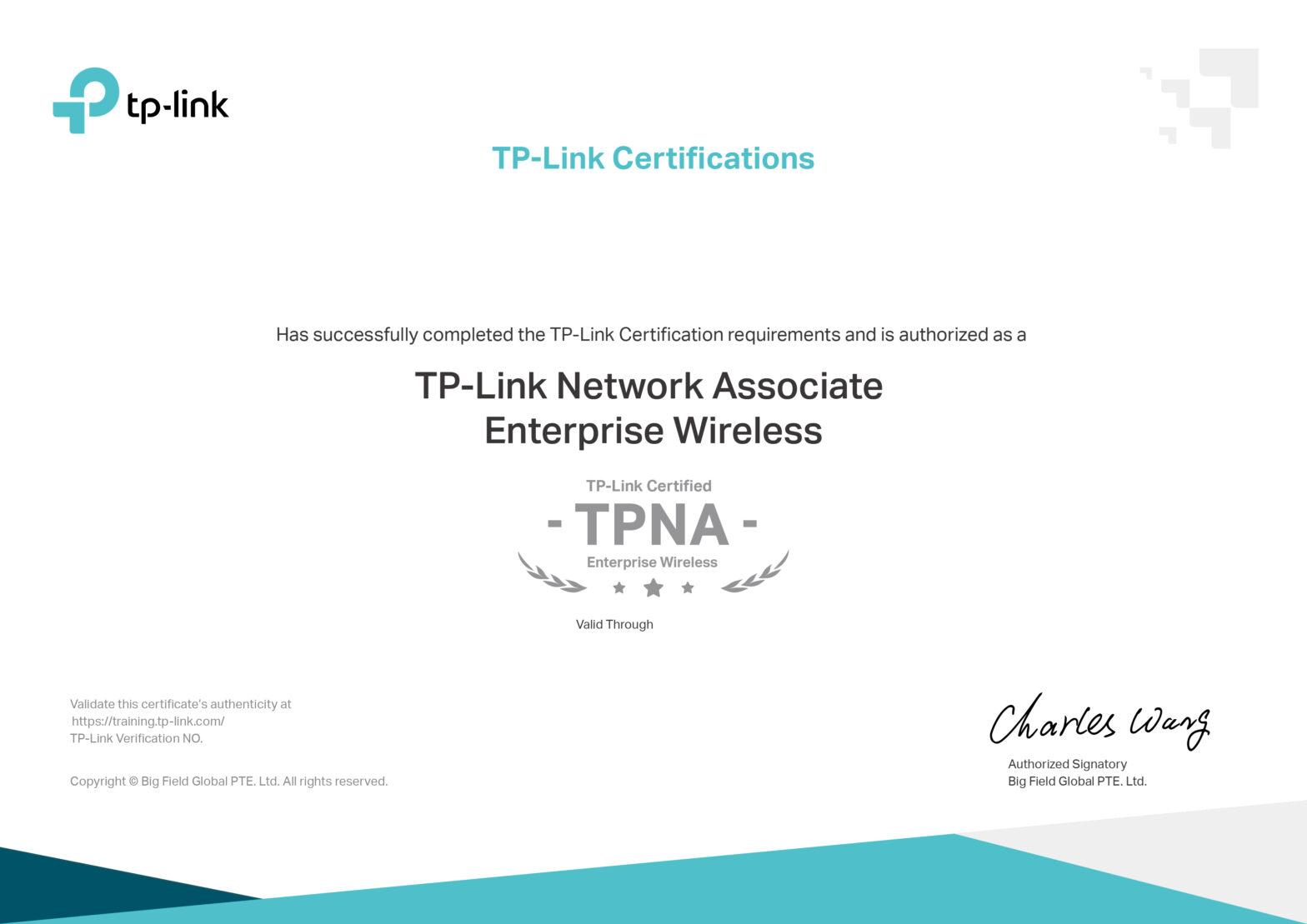
Nova Certificação: TPNA Enterprise Wireless

Hoje fui a Lisboa para a formação TP-Link Network Associate Enterprise Wireless.

Após a formação, fiz o exame, tendo passado e obtido a minha nova certificação!

Agradecimentos ao João Trindade, formador da TP-Link, for ser prestável e explicar as matérias de forma clara.

Certificado – TP-Link Network Associate Enterprise Wireless (PDF)